University AI Server
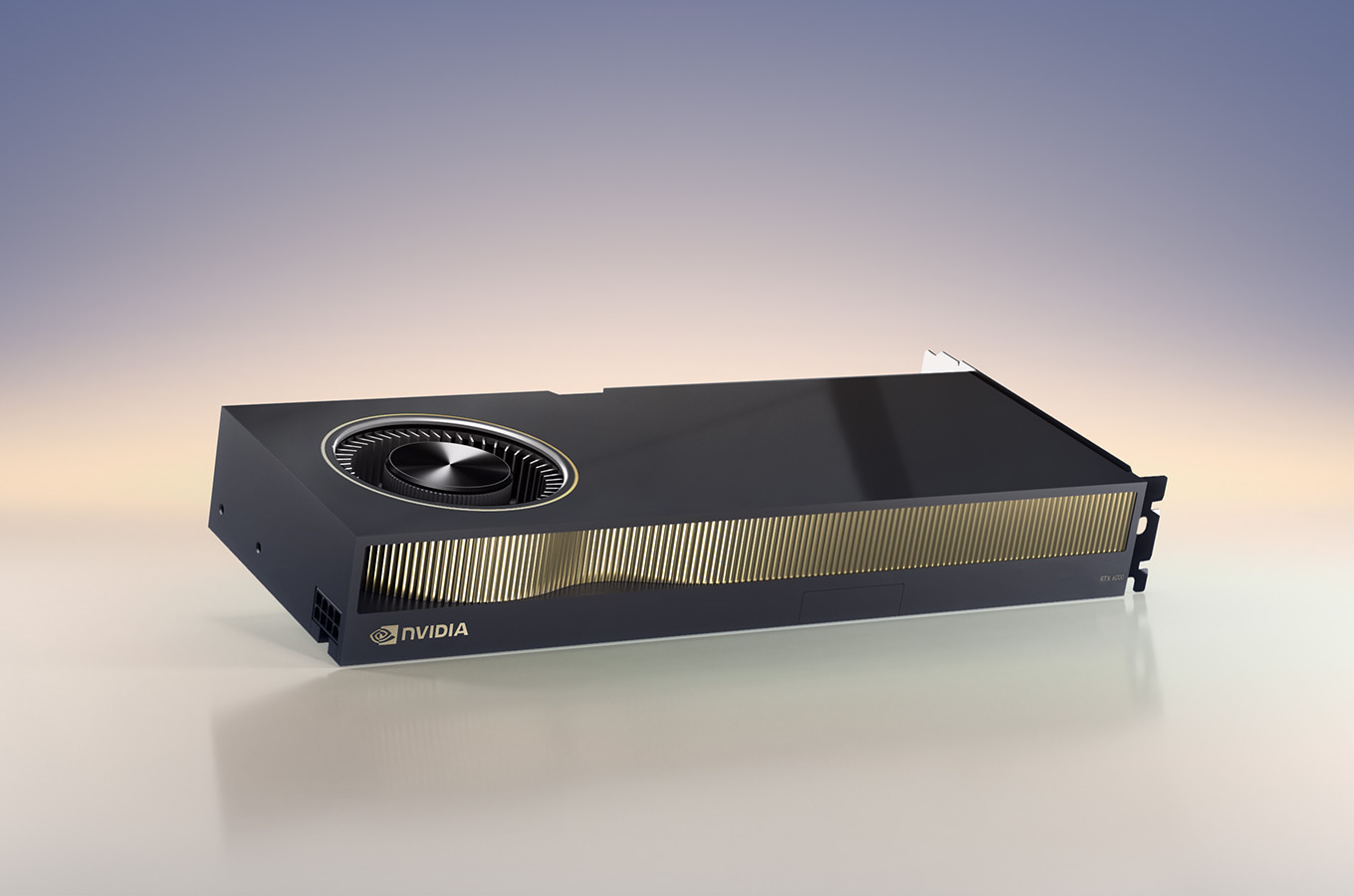
In my final year at university, we received some servers, but one was special: it contained an NVIDIA RTX 6000 ADA, a name that would make any gamer have a heart attack if they learned its power (and its price).
This was a special card made for huge calculations and artificial intelligence: thanks to its 40GB of VRAM, it could handle a huge model, from a simple large language model to video generation.
I installed Debian on it and fought the whole day with the NVIDIA drivers, but after some time, I was capable of running some tests models thanks to PyTorch! We could see the endless possibilities of this machine.
Experiments#
Before fully setting up the server with a permanent installation, we wanted to experiment with what could be done with this graphics card.
We were thinking about how we could integrate it into our generic servers, in particular our n8n, which we were not using very much (mainly because the LDAP functionality was not available on the free version).
We had found a rather interesting workflow where the documents from our courses that we uploaded to our Nextcloud could be used by n8n to be analyzed and stored by its RAG in its “vector store” (its knowledge base). Using an Ollama installation on our AI server, it was possible to add it to our workflow. With a few configurations in n8n, it was now possible to ask it a question, and it would respond with information about the courses! It was as if it was learning with us, and seeing new information being added was quite satisfying.
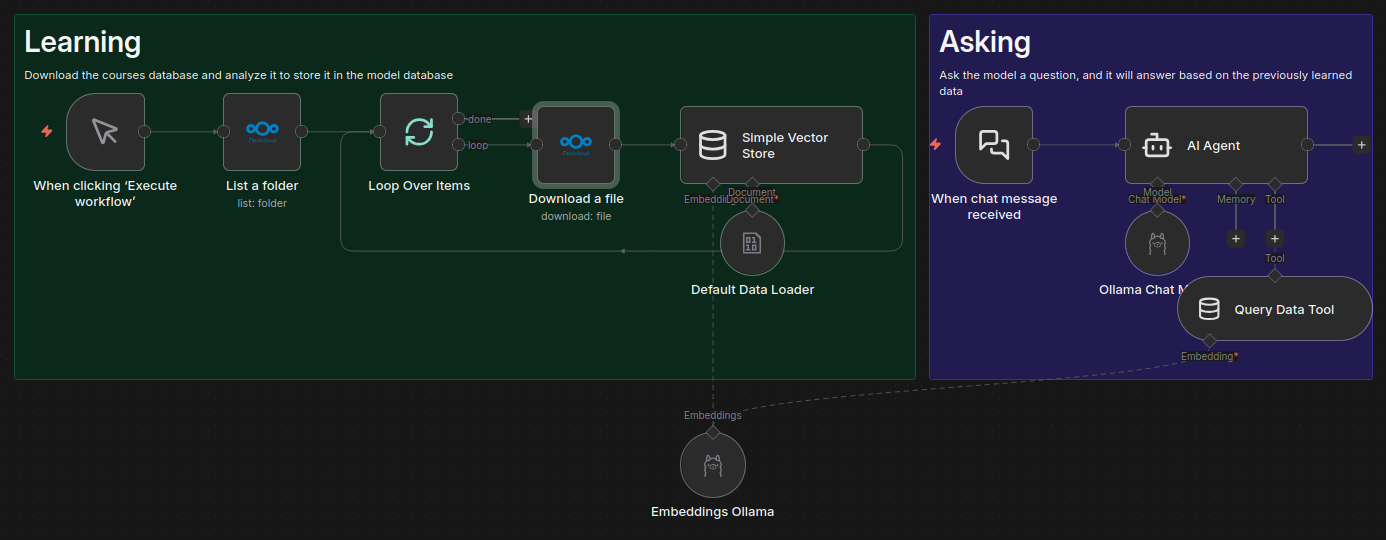
Due to the lack of compatibility between Nextcloud and n8n, as well as our desire to conquer the AI server with image and video processing models, we didn’t use this tool for very long. However, it is the one I will always recommend to future classes: services, automation, AI, APIs, … All stages of this project involve a different field and are extremely educational with a directly useful result.
Inference Server#
The server is available to all members of the class, so everyone must be able to use it. However, it is not necessarily easy to share the computing power of a graphics card between several people: If there are ten of us, do we each need to reserve ~5GB? That’s no more useful than our personal graphics cards.
We needed a solution that would allow us all to use the full capabilities of the server without getting in each other’s way.
Sadly, there was no direct solution: NVIDIA offers their “Triton Inference Server”, but this is very hard to set up and will always keep all the models loaded, vLLM and PyTorch offer a simple way to expose a LLM model through a web interface, but this still won’t allow us to use multiple of them easily and would still be restricted to LLM type model, while we wanted to try image and video generation.
I ended up working on my own solution: models would automatically load and unload depending on the user’s requests, they shall all be easily usable thanks to custom Gradlio interfaces, be easily to automate through an API and have easy-to-read documentation, thanks to FastAPI.
After a week of work, this ended up working pretty nicely. It could only handle one model at a time due to memory measurement not being that easy for a model, but it worked really nicely for our usage.
The hardest part of this was that some models work with a different Python and dependencies version. This forced me to add a subprocess mechanism with the Pyro5 library to start an independent Conda environment with the correct Python and dependencies version. This led to some tough to find bugs, but it ended up working really nicely.